PAN Card Apply Online (Complete Guide 2026)
Learn how to apply PAN Card online in 2026 using official government websites. Complete step-by-step process, fees, documents required, status check & e-PAN download.
 shruti
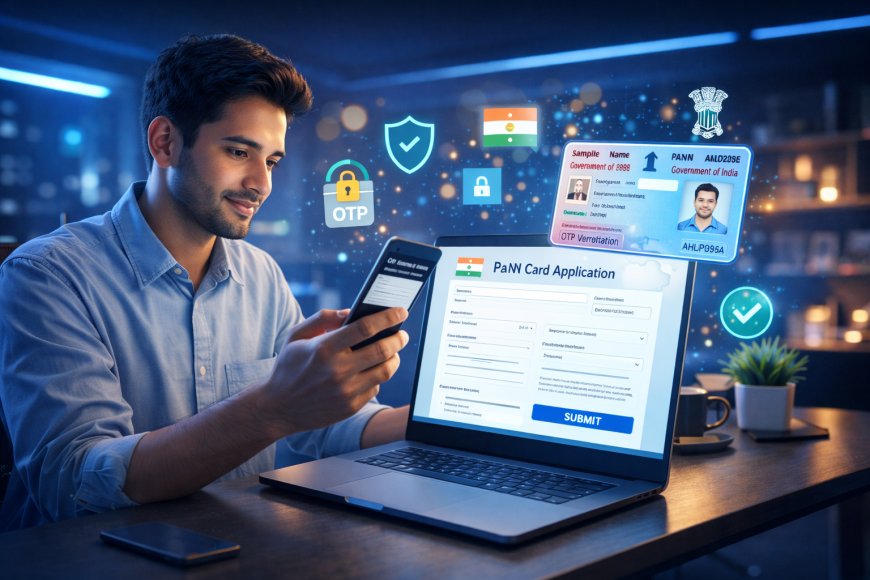
PAN Card is one of the most important identity and financial documents in India. It is required for income tax filing, opening bank accounts, mutual funds, stock market investing, property transactions, loans, and many financial activities.
If you do not have a PAN card yet, the good news is that in 2026 you can apply for PAN Card online from your mobile or laptop without visiting any office.
This guide explains the complete PAN Card Apply Online process, official government links, required documents, fees, status tracking, and smart tips to help your application get approved faster.
What is PAN Card?
PAN stands for Permanent Account Number. It is a 10-character alphanumeric number issued by the Income Tax Department of India.
Example Format:
ABCDE1234F
It helps the government track taxable financial transactions and is widely used as identity proof.
Why PAN Card is Important in 2026
PAN card is useful for:
- Income Tax Return filing
- Opening bank account
- Fixed deposits
- Stock market / Demat account
- Mutual funds investment
- Property purchase
- Loan applications
- Credit card approval
- Business registration
Official Government Website for PAN Card Apply Online
Apply only through trusted official portals:
NSDL / Protean PAN Portal:
https://www.onlineservices.nsdl.com
UTIITSL PAN Portal:
Income Tax Official Website:
Always avoid fake third-party websites charging high fees.
Who Can Apply for PAN Card?
You can apply if you are:
- Indian citizen
- Student above 18 (or minor through guardian)
- Salaried employee
- Self-employed person
- Business owner
- NRI (special process)
- Partnership / Company / Trust
PAN Card Apply Online Step-by-Step Process
Step 1: Visit Official Website
Use NSDL or UTI official portal.
Step 2: Select New PAN Application
Choose:
Form 49A – Indian Citizens
Form 49AA – Foreign Citizens / NRI
Step 3: Fill Basic Details
Enter:
- Full Name
- Date of Birth
- Mobile Number
- Email ID
- Address
- Father’s Name
Step 4: Upload Documents
Upload required proof documents.
Step 5: eKYC / Aadhaar Verification
Complete OTP verification if Aadhaar linked.
Step 6: Pay Application Fee
Pay online using:
- UPI
- Debit Card
- Credit Card
- Net Banking
Step 7: Submit Application
You will receive acknowledgment number.
Save it carefully.
Documents Required for PAN Card Apply Online
Identity Proof
- Aadhaar Card
- Passport
- Voter ID
- Driving License
Address Proof
- Aadhaar Card
- Electricity Bill
- Passport
- Bank Statement
Date of Birth Proof
- Birth Certificate
- Aadhaar
- Passport
- 10th Marksheet
Passport Size Photo
May be required depending on application mode.
PAN Card Fees in 2026
Fees may vary based on:
- Physical PAN card
- e-PAN only
- Indian address
- Foreign dispatch
Check latest charges on official website before payment.
How to Download e-PAN Online
After approval, many users receive e-PAN.
Steps:
- Visit official portal
- Select Download e-PAN
- Enter PAN / Aadhaar / Acknowledgment number
- OTP verification
- Download PDF
How to Check PAN Card Status
After application:
- Visit official PAN status page
- Enter acknowledgment number
- Check processing status
Possible statuses:
- Under review
- Dispatched
- Approved
- Correction required
PAN Card Correction Online
If PAN details are wrong, apply correction online.
You can update:
- Name
- DOB
- Photo
- Signature
- Address
- Father’s Name
Common PAN Card Problems & Solutions
Application Rejected
Reason:
- Wrong documents
- Name mismatch
- Blurry upload
PAN Not Delivered
Track courier status.
Name Mismatch with Aadhaar
Use same spelling everywhere.
OTP Not Received
Retry after few minutes.
Important Tips for Fast Approval
- Use exact Aadhaar name
- Upload clear documents
- Enter correct DOB
- Use active mobile number
- Double-check address
- Save acknowledgment receipt
Benefits of Having PAN Card
- Easy tax filing
- Faster bank KYC
- Loan eligibility
- Investment access
- Government compliance
- Business credibility
PAN Card vs Aadhaar Card
PAN Card Used For:
Financial and tax identity
Aadhaar Used For:
General identity and address proof
Both are important.
FAQ
Can I apply PAN Card online from mobile?
Yes, you can apply from smartphone using official portal.
How many days to get PAN Card?
Usually depends on verification and dispatch process.
Is PAN Card free?
Charges may apply depending on service type.
Can students apply for PAN?
Yes.
Can I get e-PAN instantly?
In many eligible cases, yes.